

Everything you need to manage your Brushworks membership.
Change card details, contact information or membership status within the online portal. To access the portal, click the button and then follow the steps below:
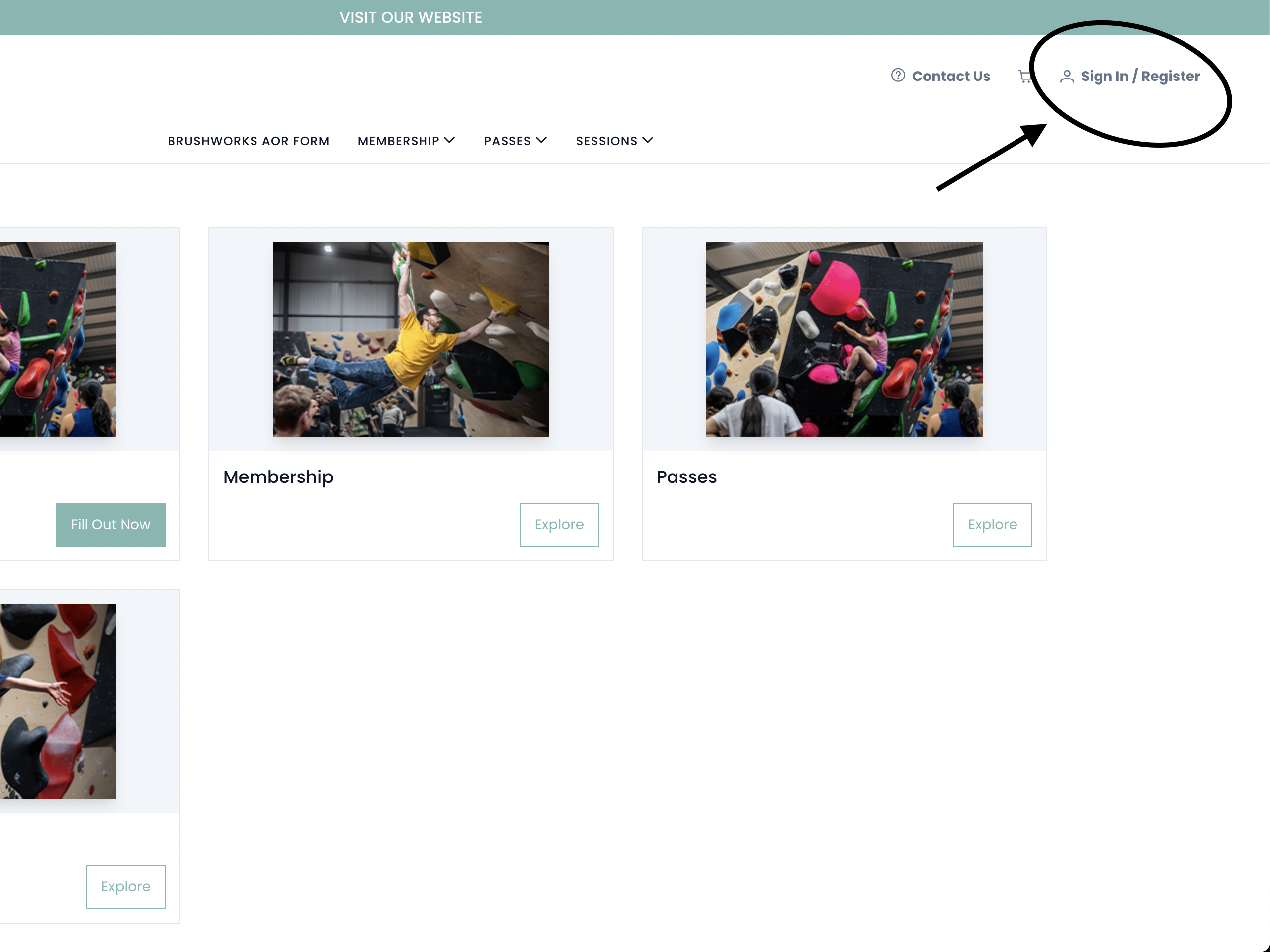
1.
Select sign in.
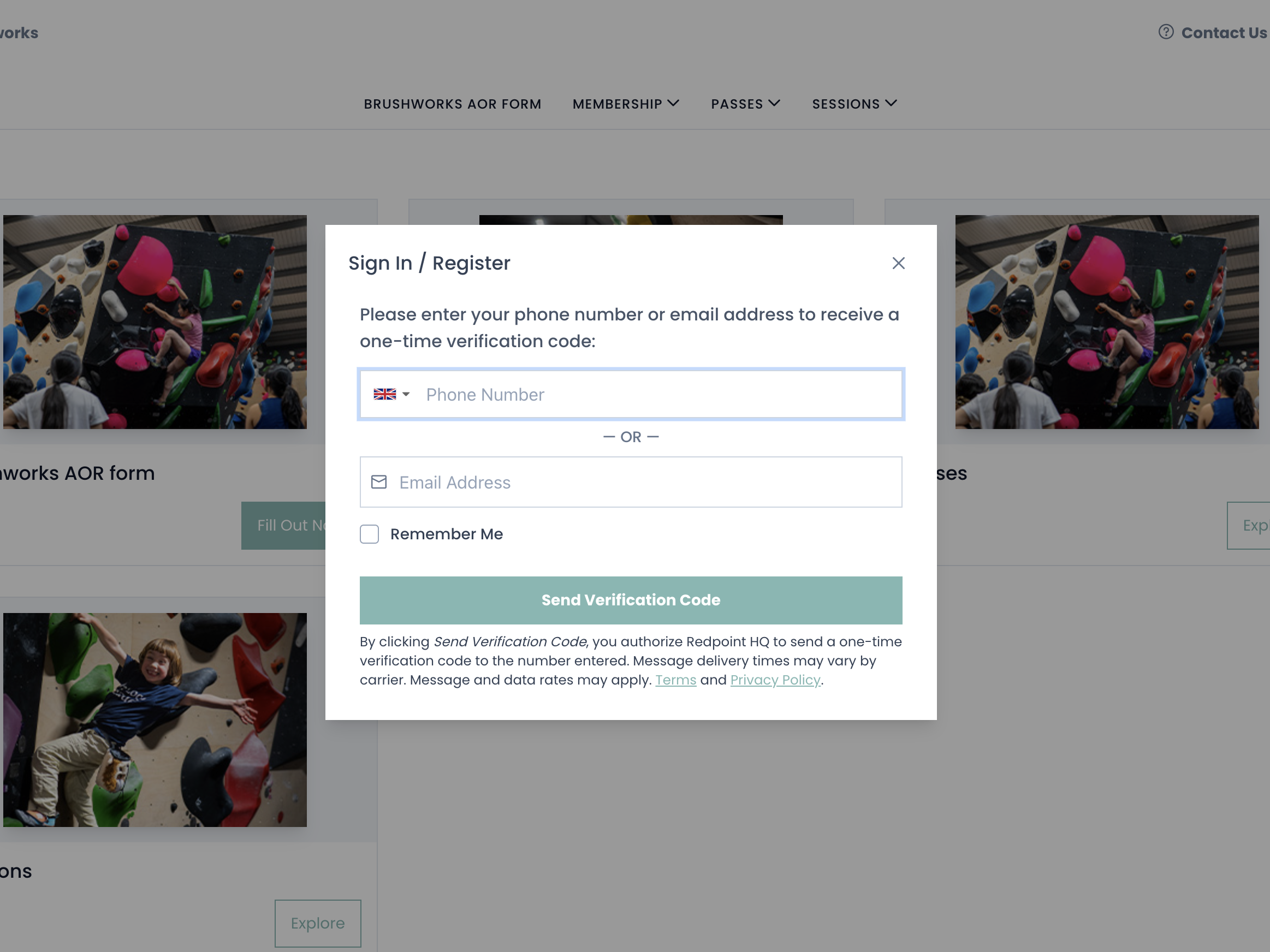
2.
Enter your phone number and then the verification code you are sent.

3.
Click on your name in the top right corner.

4.
From the right-hand menu, select “Memberhip”
From here you will be able to make any changes you need!
